Loading...
Please wait while we prepare your content
One common problem beginners run into when learning coding is setting up their computers! We know you're excited about programming right away, so we'll get to it by starting programming directly in the web browser using two web apps, CodePen and CodeSandbox. You'll be able to start coding right away without installing anything on your computer.

CodePen is a social development environment for front-end designers and developers. It's a great place to build and deploy a website, show off your work, build test cases to learn and debug, and find inspiration.
CodeSandbox is an online editor tailored for rapid web development. With CodeSandbox, you can prototype quickly, experiment easily, and share creations with a click.
Another pretty important tool is Chrome DevTools which is a set of web developer tools built directly into the Google Chrome browser. DevTools can help you edit pages on-the-fly and diagnose problems quickly, which ultimately helps you build better websites faster.
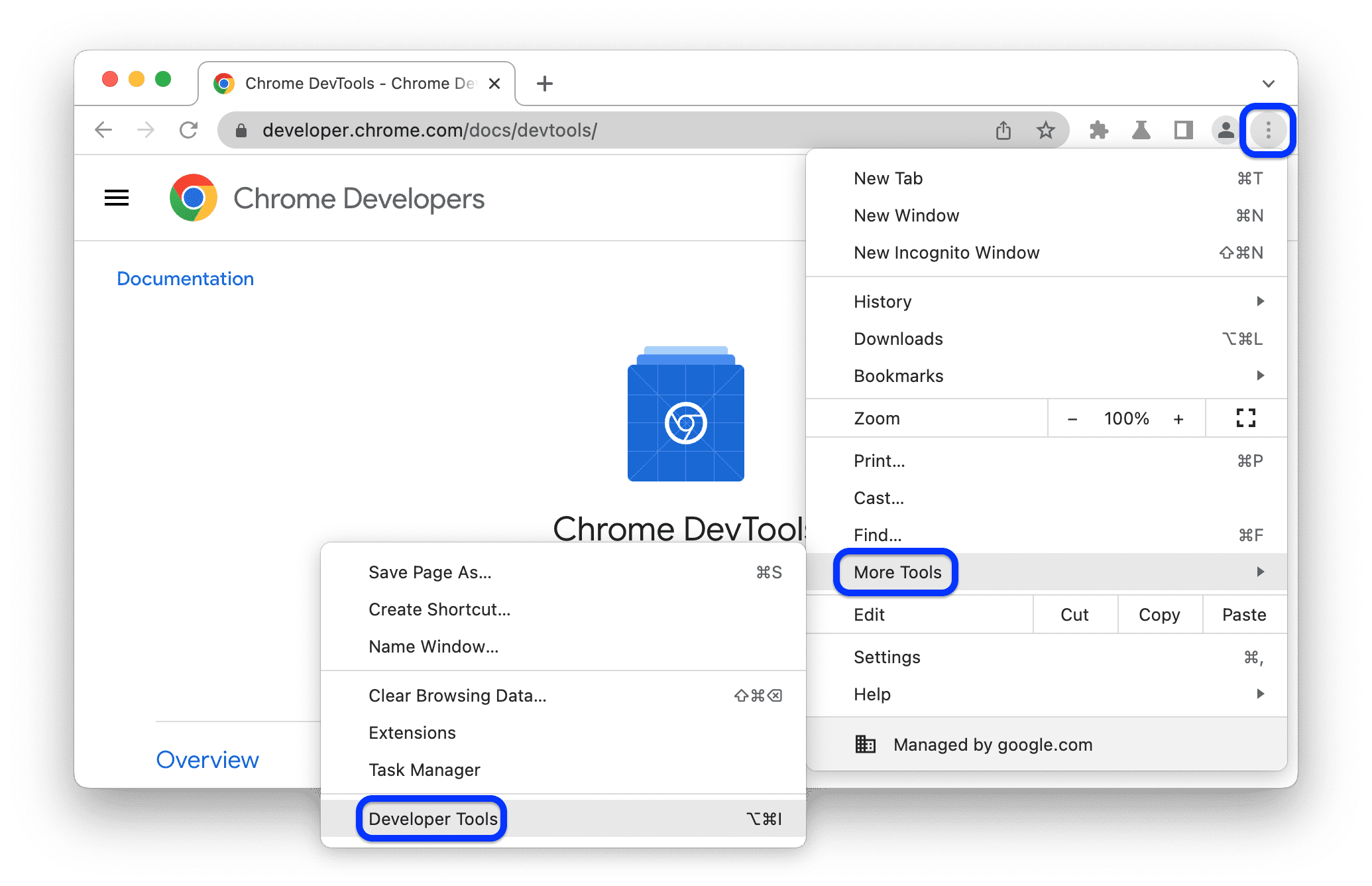
Chrome DevTools includes powerful features such as:
For this course, we require the use of Google Chrome. While Safari and Firefox have similar developer tools, we find it easier to just teach one. Chrome is also the most popular browser by market share, so it's good to use the browser that your future customers are most likely to be using.